
INSTALL ON GOOGLE TV
Install Switchback TV on Google TV.
For Google TV devices, such as onn 4K streaming boxes and Chromecast with Google TV. It takes about five minutes: get the free Downloader app, type one code, and allow Downloader to install apps when your TV asks.
Checked step by step on Google’s official Google TV emulator (Android 14) in November 2026; the screenshots below come from it. Menu names and colors can differ a little on your TV. Using a Fire TV or another Android TV? See the main install page.
1. Get Downloader from Google Play
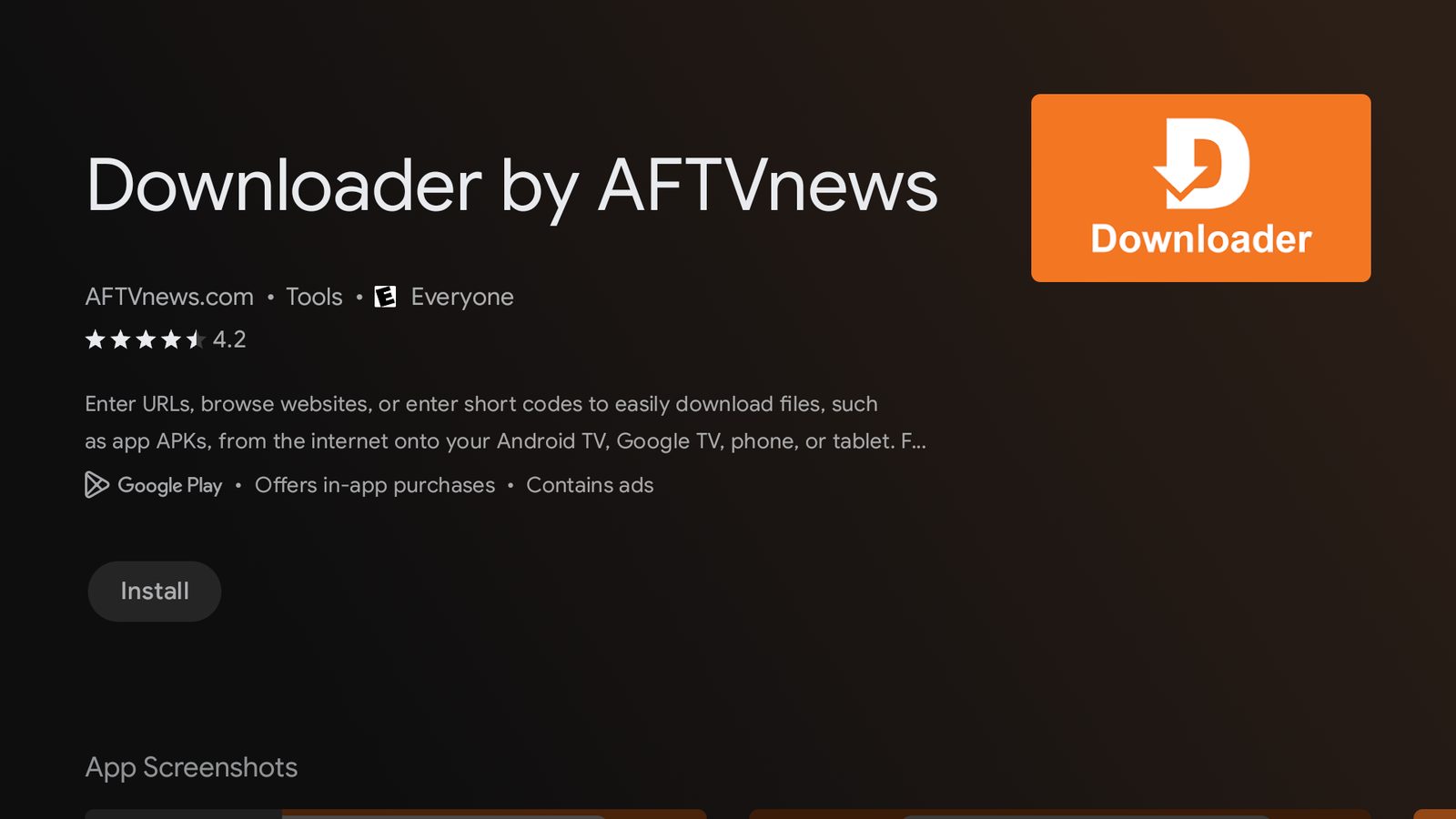
On the Google TV home screen, search for Downloader and install the free app by AFTVnews.
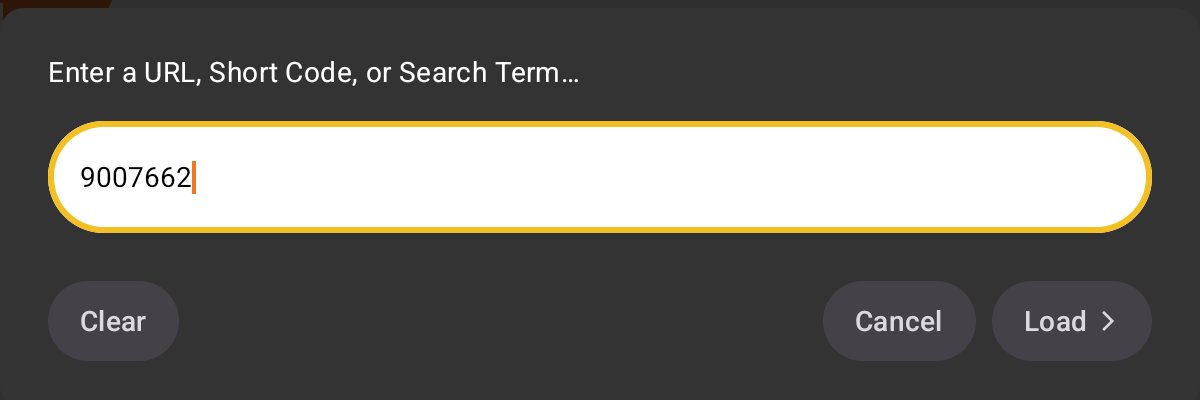
2. Type the code 9007662
Open Downloader, select the box at the top, type 9007662 and choose Load. Downloader fetches the Switchback TV app from switchback.tv.
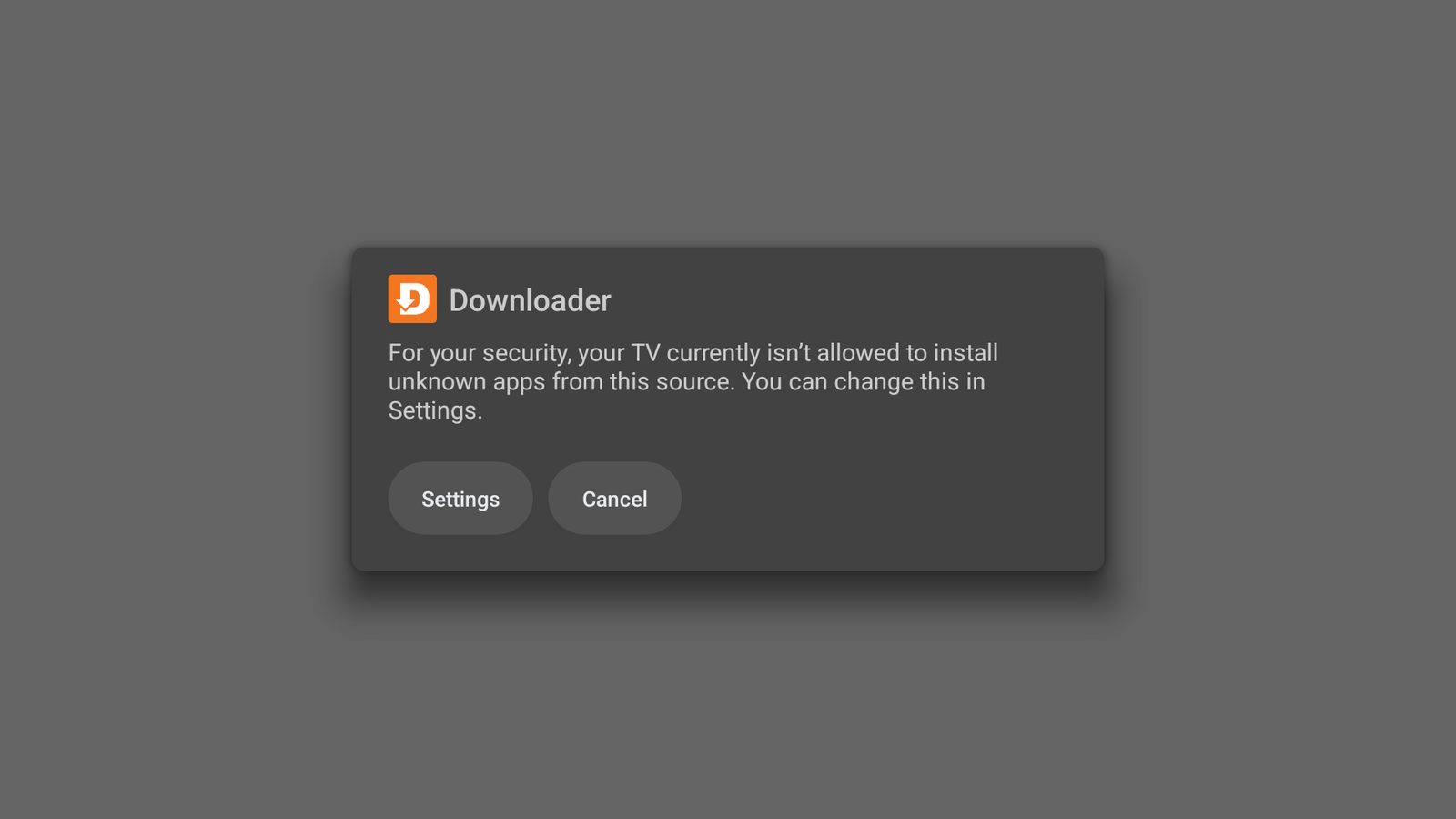
3. Choose Settings when your TV asks
The first time, Google TV says it isn’t allowed to install apps from this source. That is normal for any app that doesn’t come from Google Play. Choose Settings.
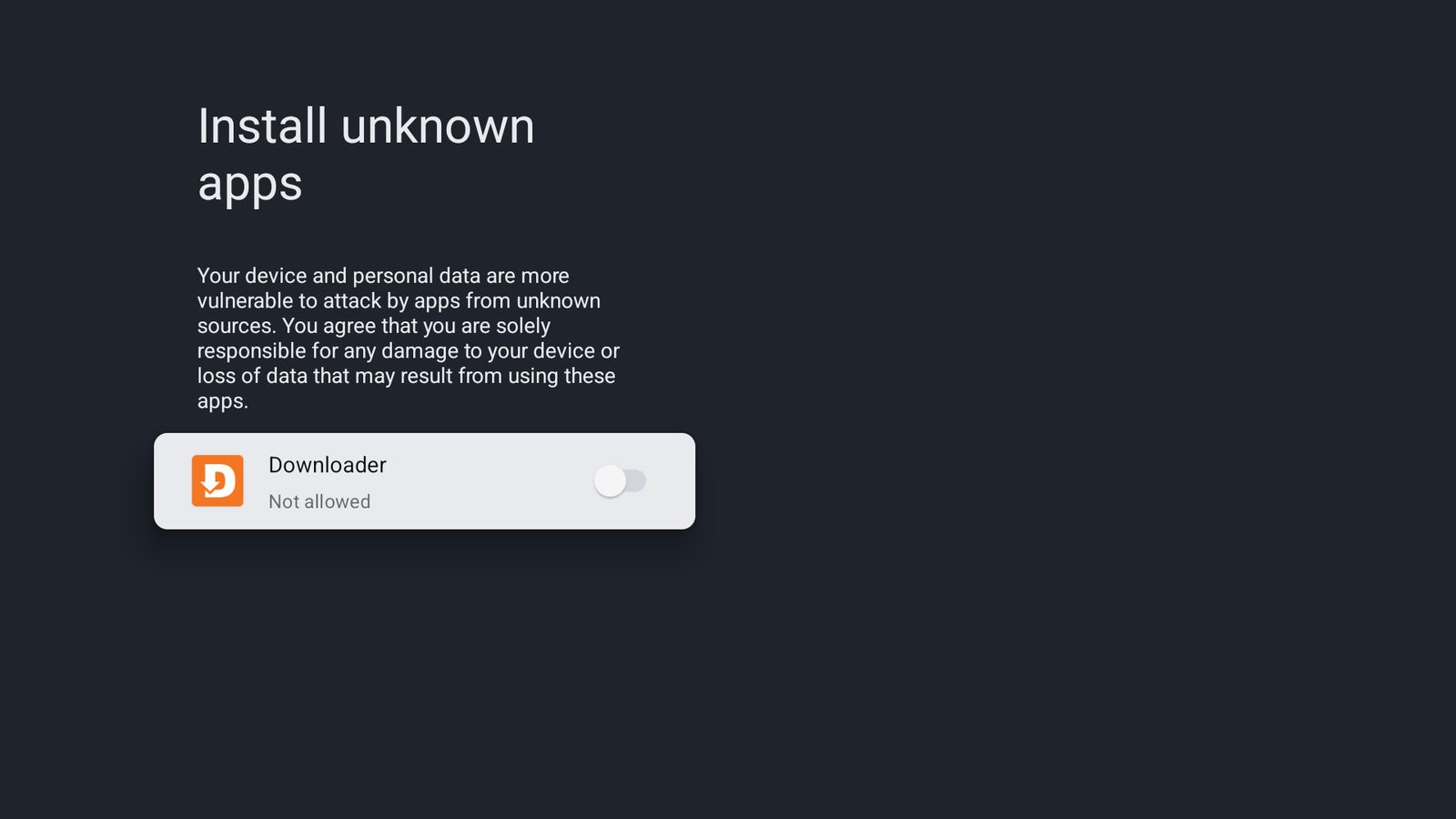
4. Turn on Downloader
On the Install unknown apps screen, select Downloader to turn its switch on. This only lets Downloader install apps; you can turn it off again afterwards.
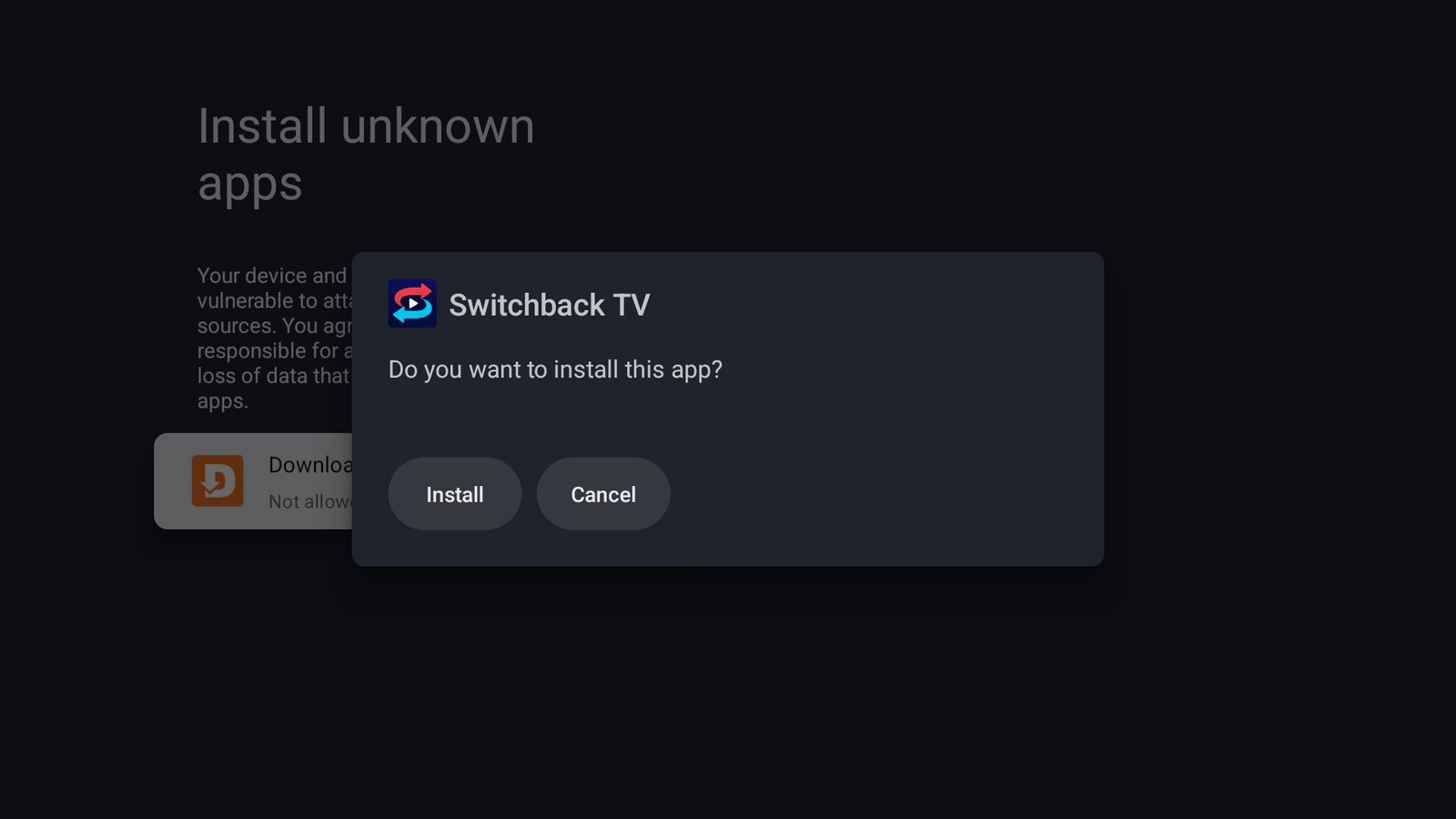
5. Install
The install box opens straight away. Choose Install, wait a few seconds, then choose Open.
6. Add your own playlist
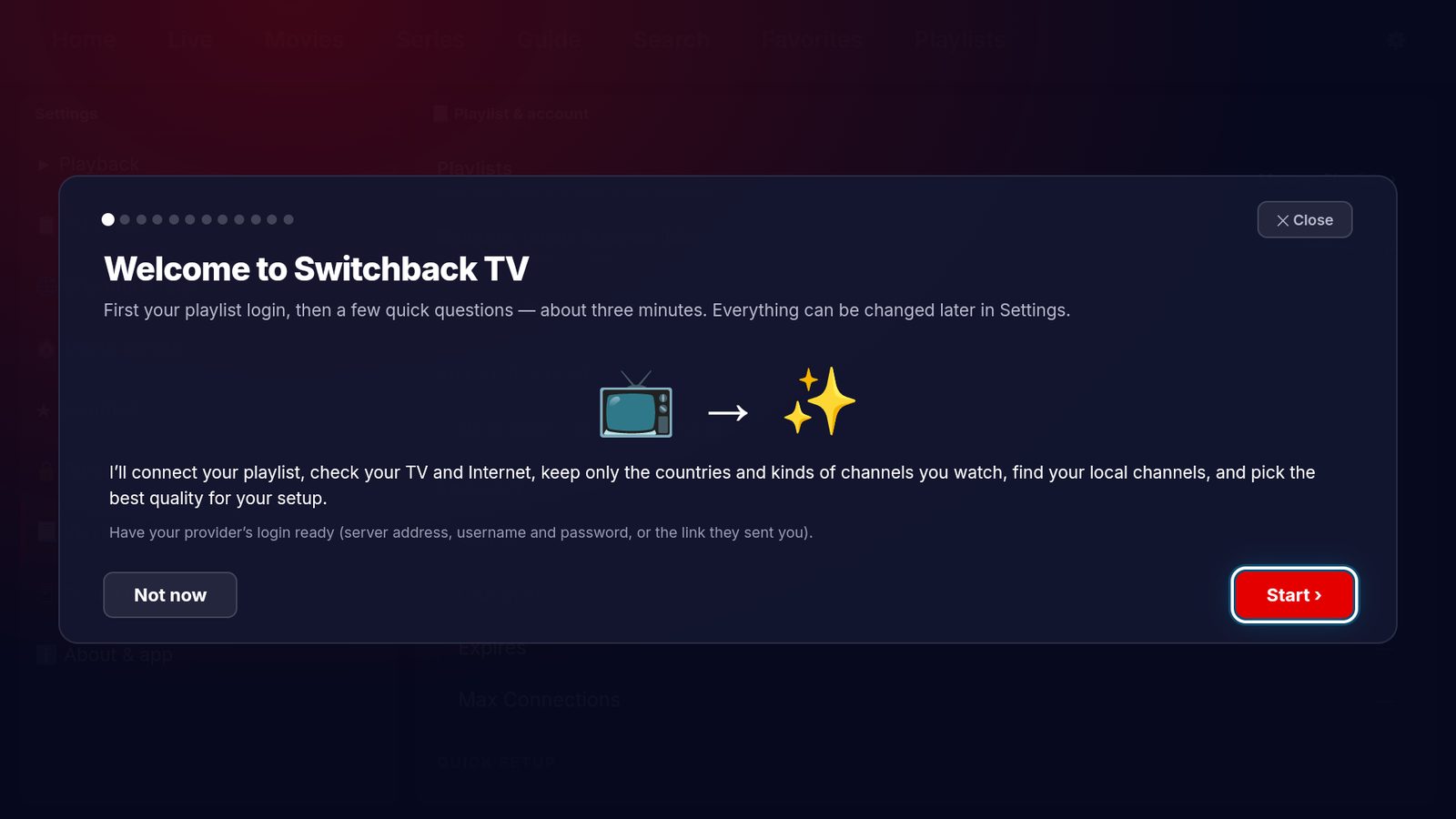
Switchback TV opens with a short setup. Have your provider’s login or playlist link ready. Typing it with a TV remote is slow, so you can send it from your phone instead with the phone remote. Every TV starts with a free 30-day trial.
No switch, or still blocked?
On the emulator, steps 3 and 4 worked without anything else. If your TV doesn’t offer the switch, or still won’t install, turn on Developer options and try step 2 again:
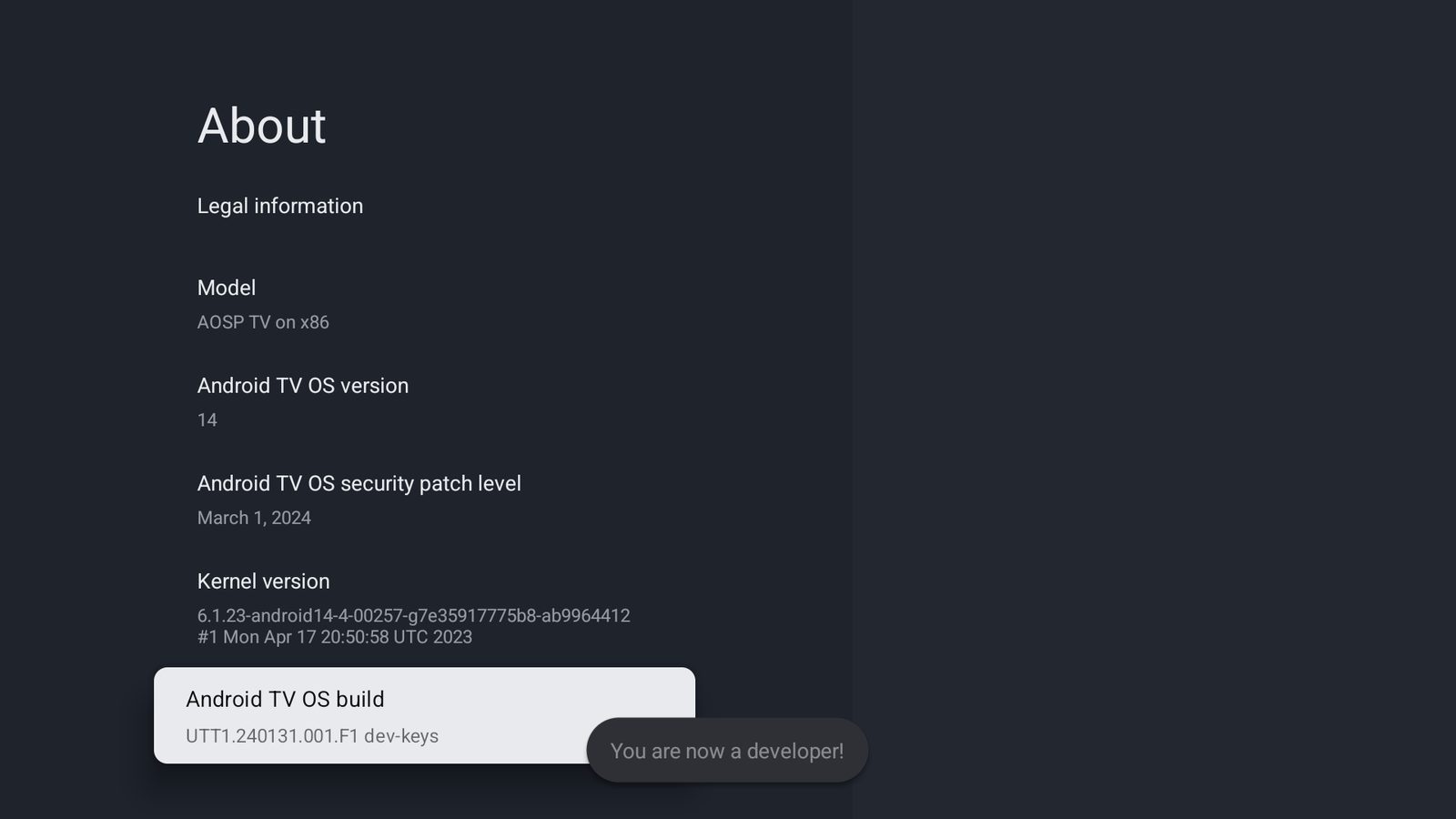
- Open Settings › System › About.
- Scroll down to Android TV OS build and press OK on it seven times, until the TV says “You are now a developer!”
Good to know
- Switchback TV needs Android 6.0 or newer, and Android System WebView 66 or newer. Google TV devices normally keep WebView up to date through Google Play.
- No channels are included. You need your own M3U playlist or provider login: a server address, username and password, or the playlist link with those in it.
- New versions: the app checks switchback.tv for updates under Settings › About & app, so you don’t need to repeat these steps.