Does Switchback TV come with channels or playlists?
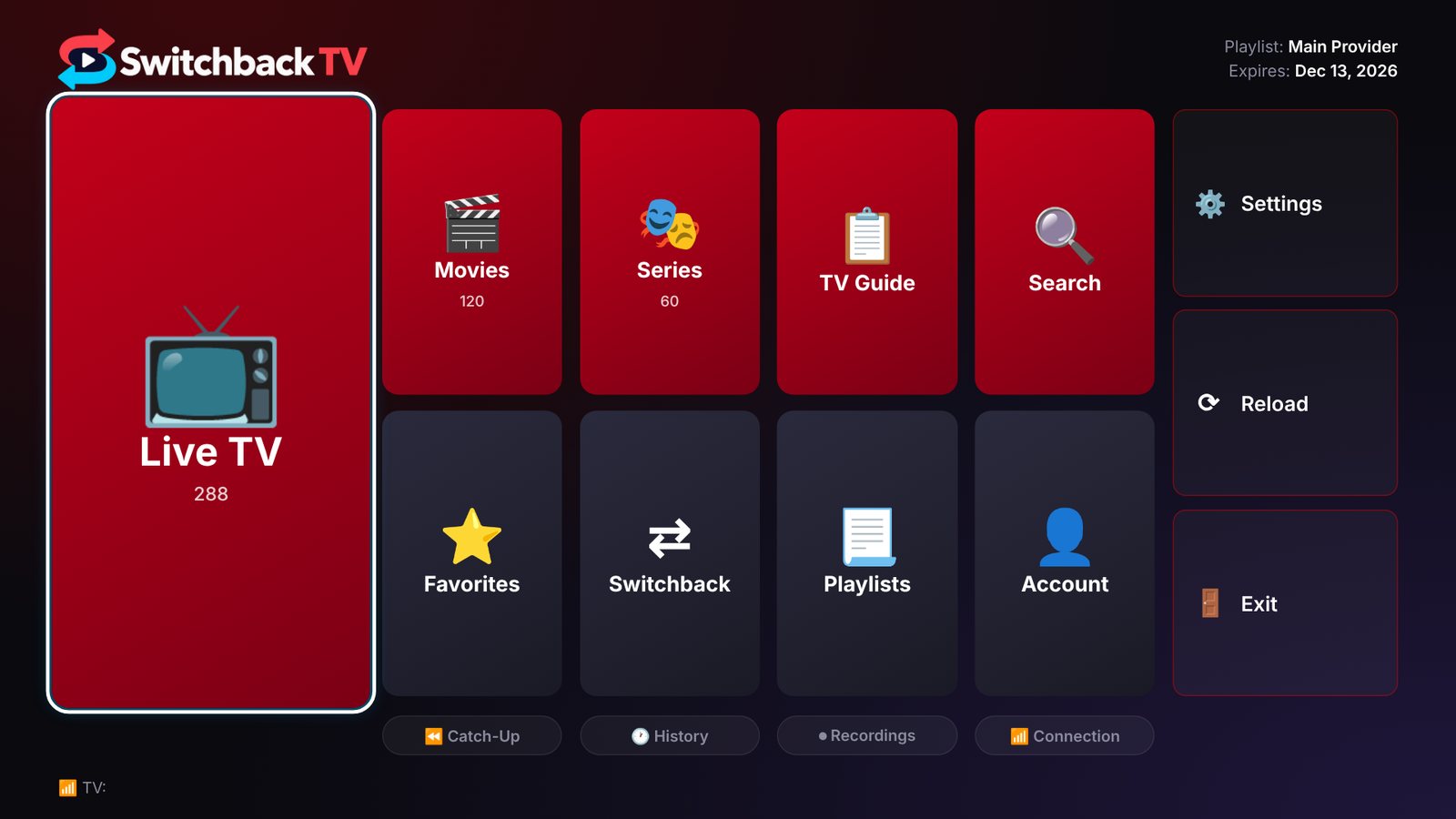
No. Switchback TV is a player only. It has no channels, movies, series or logins of its own. You add your own M3U playlist (an address or a file), or the login from an IPTV service you already subscribe to (a server address, username and password, also called an Xtream Codes login, or the playlist link they sent with those details in it). M3U playlists give live channels only; movies and series come with an Xtream login. Raw MPEG-TS streams (for example HDHomeRun over-the-air channels) don’t play yet. You are responsible for using streams you have the right to watch.
Is Switchback TV an IPTV player?
Yes. It plays the IPTV service you already have: an M3U playlist (an address or a file) or an Xtream Codes login. It's a player only — it doesn't sell or include channels, and you're responsible for using streams you have the right to watch.
What makes the Switchback feature different?
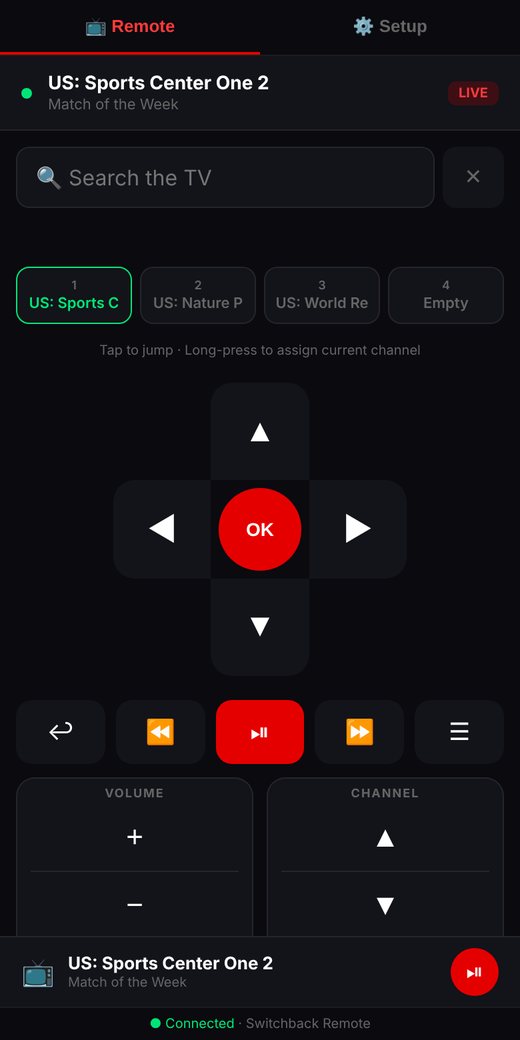
Save up to four channels in Switchback slots. While watching live TV, hold OK for a moment to jump to the next saved channel. It brings the familiar previous-channel shortcut back, with room for up to four channels.
Can I watch two games at once?
Not side by side. Switchback is built for flipping instead: save up to four channels and hold OK to jump to the next one. Most providers allow only one or two streams at a time.
Holding OK doesn’t switch channels with my TV’s remote. What can I do?
Holding OK works with your streaming device’s own remote. Some TVs pass a held button on to the streaming device as a quick press when you use the TV’s remote through HDMI (Anynet+, Bravia Sync, SimpLink and the like). Since version 5.6.2, Switchback TV also counts a press of half a second or more as a hold; that fixed it with a Samsung TV and an onn 4K Pro in our tests. If it still doesn’t switch on your TV, press ← until ⇄ SB is selected and press OK, or use Swap and the slot buttons on the phone remote.
Which devices does Switchback TV support?
Switchback TV supports compatible Android TV and Google TV devices running Android 6.0 or newer, Amazon Fire TV devices running Fire OS 6 or newer, NVIDIA Shield and Mi Box. It does not run on Samsung Tizen, LG webOS, Apple TV, Roku or Fire TV devices using Vega OS. Android System WebView 66 or newer is also required.
How much does Switchback TV cost?
Every TV gets a free 30-day trial. After that, a license is a one-time $15 purchase for your first TV, and you can add more TVs to the same license for $5 each, up to 5 TVs. There is no subscription or renewal fee. See the license page for payment details.
Do I need a license for each TV?
No. One license covers up to 5 TVs in your home: $15 for the first TV and $5 for each TV you add. Each TV still gets its own free 30-day trial first. To add a TV, choose Buy license on that TV, scan the code with your phone and choose “Add this TV to my license”.
How does the phone remote connect?
On the TV, open Settings › Phone remote and scan the QR code with your phone's camera. The remote opens in your phone's browser and connects straight away, with no PIN to enter. If you type the address by hand instead and the remote asks for a PIN, enter the 4-digit PIN shown on that same TV screen. It is not your parental-lock PIN. Keep the phone and TV on the same home Wi-Fi network. No remote app or cloud account is required.
Why can’t my phone connect to the TV?
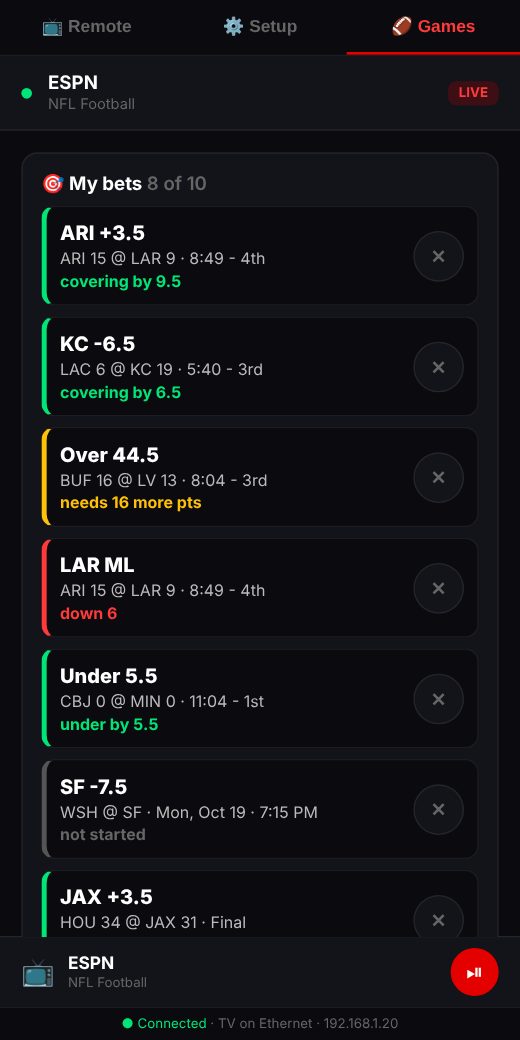
The phone remote and adding picks to Game Tracker only work when your phone is on the same home network as the TV. If the code opens a “site can’t be reached” page, or the remote says Disconnected, check:
- The phone is on your home Wi-Fi, not mobile data.
- It is the same network as the TV, not a guest network or an extender with its own name. Settings › About & app on the TV shows its Wi-Fi name.
- Any VPN on the phone is off.
- Switchback TV is open on the TV.
- If the router was restarted, scan the code again, because the TV’s address may have changed.
More help is in the user guide.
Can I record to a USB drive?
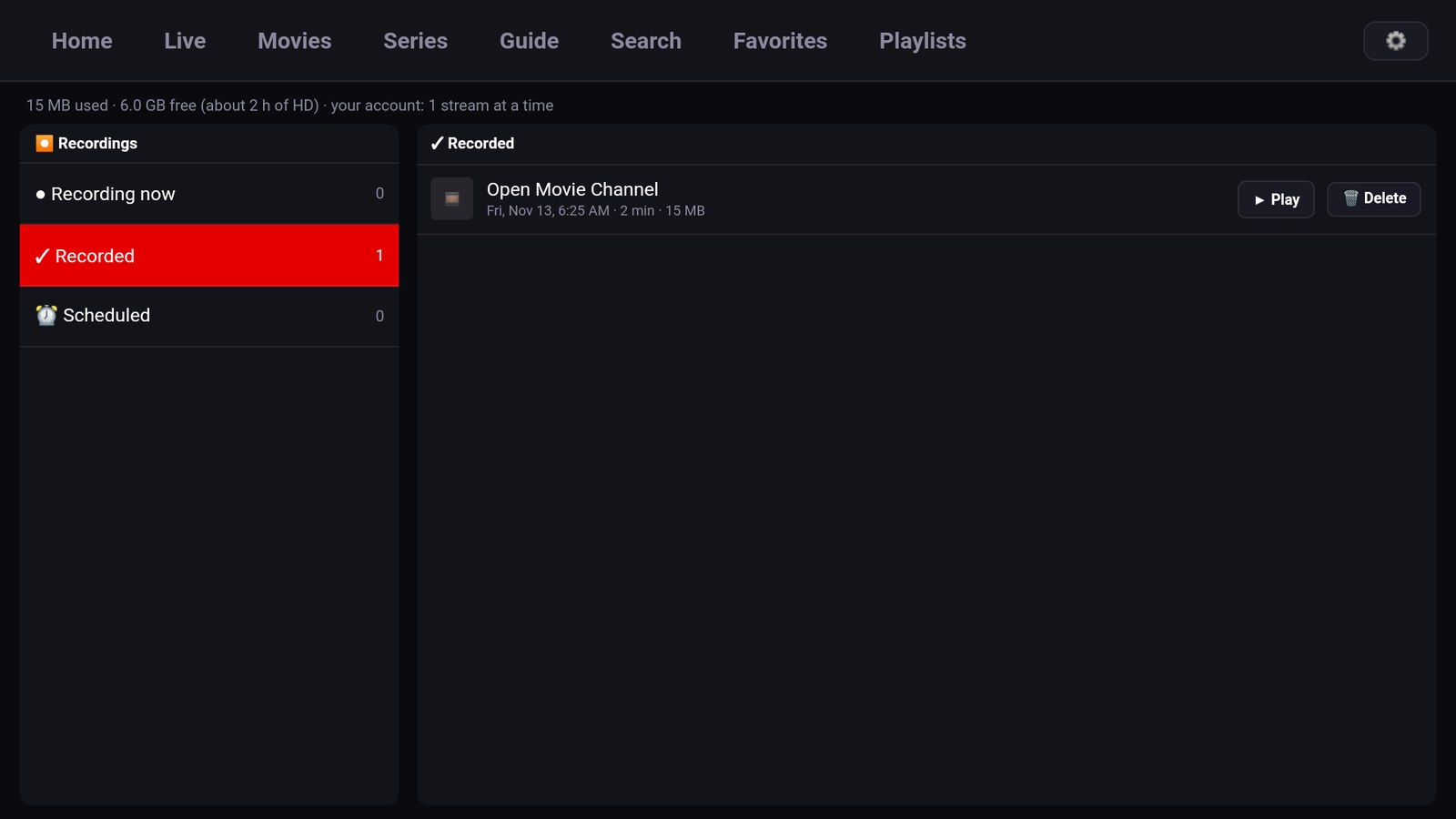
Not yet. Recordings use the TV's own storage, and Switchback stops recording before the storage runs out.
Is Game Tracker a sportsbook, and does it cost extra?
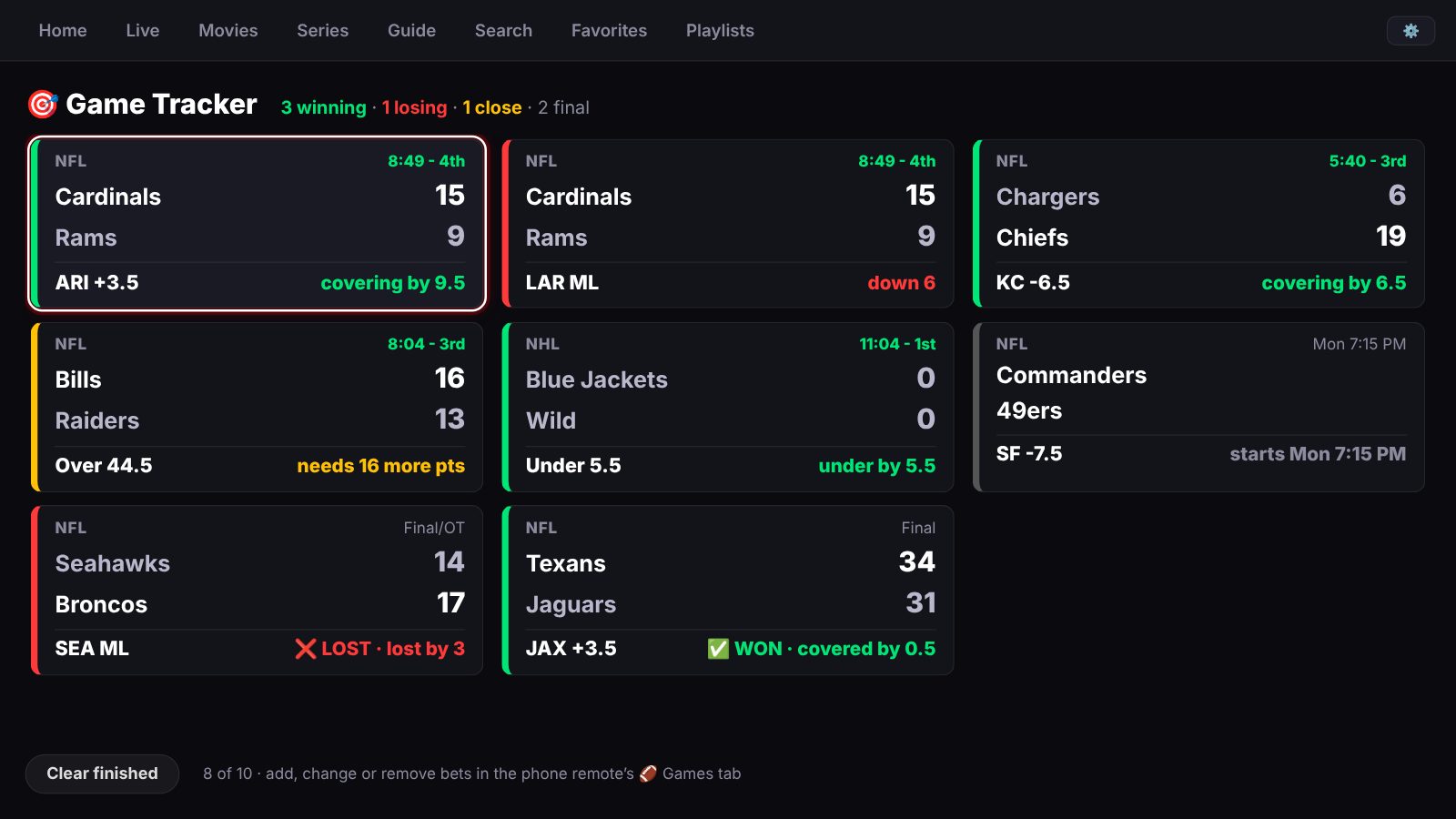
No to both. Game Tracker follows up to 10 of your picks and shows scores, pick status, a live-TV ticker and alerts. It never takes money and shows no odds. It's included with the license, with no separate fee or subscription.